🕒 2 min read
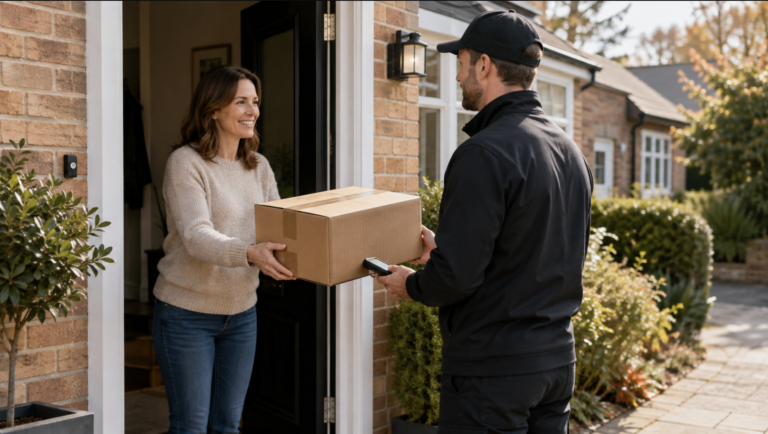
Collections form an important part of your route and must be treated in the same way as deliveries. Every scheduled collection needs to be attempted correctly, whether it is from a customer’s home, an Amazon Locker or a Counter location.
All collection stops must be attended, processed using the correct reason where necessary, and any parcels successfully collected must be returned to the depot the same day.
What Types of Collections Are There?
You may see several different collection types during your route:
Home Collection – collecting a return directly from a customer.
Locker Collection – collecting parcels from an Amazon Locker.
Counter Collection – collecting parcels from an authorised Counter location.
Always check your itinerary so you know which collections are scheduled before starting your route.
Every Collection Must Be Attempted
You should never skip a collection stop.
You must travel to the collection location and make a genuine attempt to complete the pickup.
When processing an unsuccessful collection, you must be within 10 metres of the collection pin before updating the stop in the Amazon app.
Skipping a collection, marking it incorrectly or updating the stop too far away from the pin can result in a collection failure and negatively impact performance.
If the Parcel Is Not Available
If you attend a Counter or collection location and the parcel is not available, do not simply skip the stop.
Continue through the collection process in the Amazon app until you reach the scanning screen.
Select the “?” / Problem with parcel option and then choose the correct reason, such as:
Parcel Not Ready / Customer Unavailable
Always select the reason that accurately reflects what happened at the collection location.
Locker Problems
If you attend an Amazon Locker and are unable to complete the collection because the locker is not functioning correctly, select:
Locker Not Working
Do not use a different unsuccessful reason simply to close the stop.
Using the correct reason ensures the collection is recorded correctly and helps protect your performance.
Same-Day Return Requirement
Any parcels that you successfully collect during your route must be returned to the depot on the same day.
Collections should never:
Remain inside the van overnight.
Be taken home.
Be returned on a later working day.
Before finishing your route, make sure all collected parcels are returned through the correct station process.
What Can Cause a Collection Failure?
Collection performance can be affected by:
Skipping a scheduled collection.
Failing to travel to the collection location.
Updating the stop more than 10 metres away from the collection pin.
Selecting the wrong unsuccessful reason.
Failing to collect an available parcel.
Incorrectly processing a Locker or Counter problem.
Not returning collected parcels to the depot the same day.
Best Practice
To avoid collection failures:
Check your itinerary for collections before leaving station.
Attend every scheduled collection.
Make sure you are within 10 metres of the collection pin before updating the stop.
Attempt to collect every available parcel.
Use the correct reason when a collection cannot be completed.
Never skip a collection.
Return all successfully collected parcels to station on the same day.
Contact your manager if you are unsure how a collection should be processed.
Why Collections Matter
Correctly completing collections helps:
Protect your Pickup Success Behaviour (PSB) performance.
Prevent unnecessary collection failures.
Ensure customer returns move through the network correctly.
Improve the customer experience.
Maintain accurate collection records.
Protect the wider DSP scorecard.
Every collection needs an attempt — follow the correct process every time.