📱 What Should I Bring to Work?
- A fully charged phone.
- A power bank.
- A charging cable (and vehicle charger if possible).
- Safety shoes.
- High-visibility vest.
- Drinks to stay hydrated.
- Snacks or lunch for longer routes.
Top Tip: Pack everything the night before so you're ready to go in the morning.send me the full list again all together
👕 What Should I Wear?
There is no strict uniform requirement. However, you should always wear clothing that is comfortable and suitable for the weather conditions. The only mandatory PPE is :
- Safety shoes.
- High-visibility vest whilst working in the loading area.
Always dress appropriately for the conditions and prioritise your safety.
⏰ What If I'm Running Late?
if you know you're going to be late, contact your Site Manager as soon as possible and provide :
- Your estimated arrival time (ETA).
- The reason for the delay,
Important: Do not log into Amazon Flex before arriving at the station unless instructed by your manager.Keeping your manager informed allows them to plan accordingly.
📅 How Do I Book a Holiday?
Holiday days are managed through the AFS App. Simply update your availability for the dates you wish to book off. For step-by-step instructions, visit the AFS App – Availability Guide.
📋 What Checks Should I Complete Before Leaving?
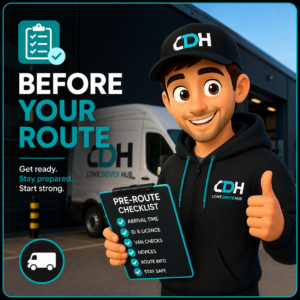
Before leaving for work, make sure you have everything you need for the day. Check that:
- Your phone is fully charged.
- Your power bank is charged.
- You have the correct charging cables.
- Your route has been confirmed.
- Your van checks have been completed (where applicable).
A few minutes of preparation can help prevent delays later in the day.
✅ How Do I Check My Confirmations?
You can view your routes within the AFS App. Simply open the app and navigate to the Confirmations section. If you're unsure how to access this page, visit the AFS App – Confirmations Guide for step-by-step instructions.
💬 Still Need Help?
If you're still experiencing issues after following the steps above, contact your Site Manager for further assistance.
If you've found an issue that isn't covered here, let us know so we can continue improving Lowe Driver Hub.