
🕒 2 min read
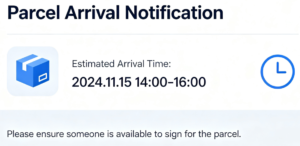
Notify of Arrival is the best all round process that can improve you scorecard by sending a simple text message before each delivery.
How to send an NOA
Please see the images below showing the process to sending an NOA text
Press the ‘?’ Icon in the top right corner of your device

↓
Press ‘Text Customer’

↓
Press Notify of Arrival

Beneftis of NOA
- Noa Counts towards the CC metric – the more NOA you send will cover any mistakes you make on the CC Metric – e.g. if you fail 1 CC and only send 2 texts, your score will be 50%
- However, if you send 100 NOA and fail 1 CC – your score will be 99% – thus putting you back in the Fantastic bracket!
- NOA is a proven method of reducing DNR Consessions – the data on this is proven that the use of NOA reduces consessions helping you achive a Fantastic in DNR DPMO
- Also this alerts that customer that you are on the way with their parcel and sometimes customers will already be waiting for you at the door, saving you time throughout the day!